By TherapyNotes®, LLC on June 23, 2026
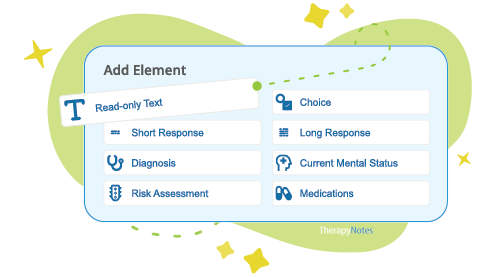
We're expanding the flexibility of documentation in TherapyNotes® by bringing customizable note templates to Therapy Intake appointments.
Every practice has different documentation requirements, intake processes, and clinical workflows. With customizable Intake Note templates, practices can tailor intake documentation to ensure clinicians consistently collect the information needed for assessment, treatment planning, compliance, and reporting.
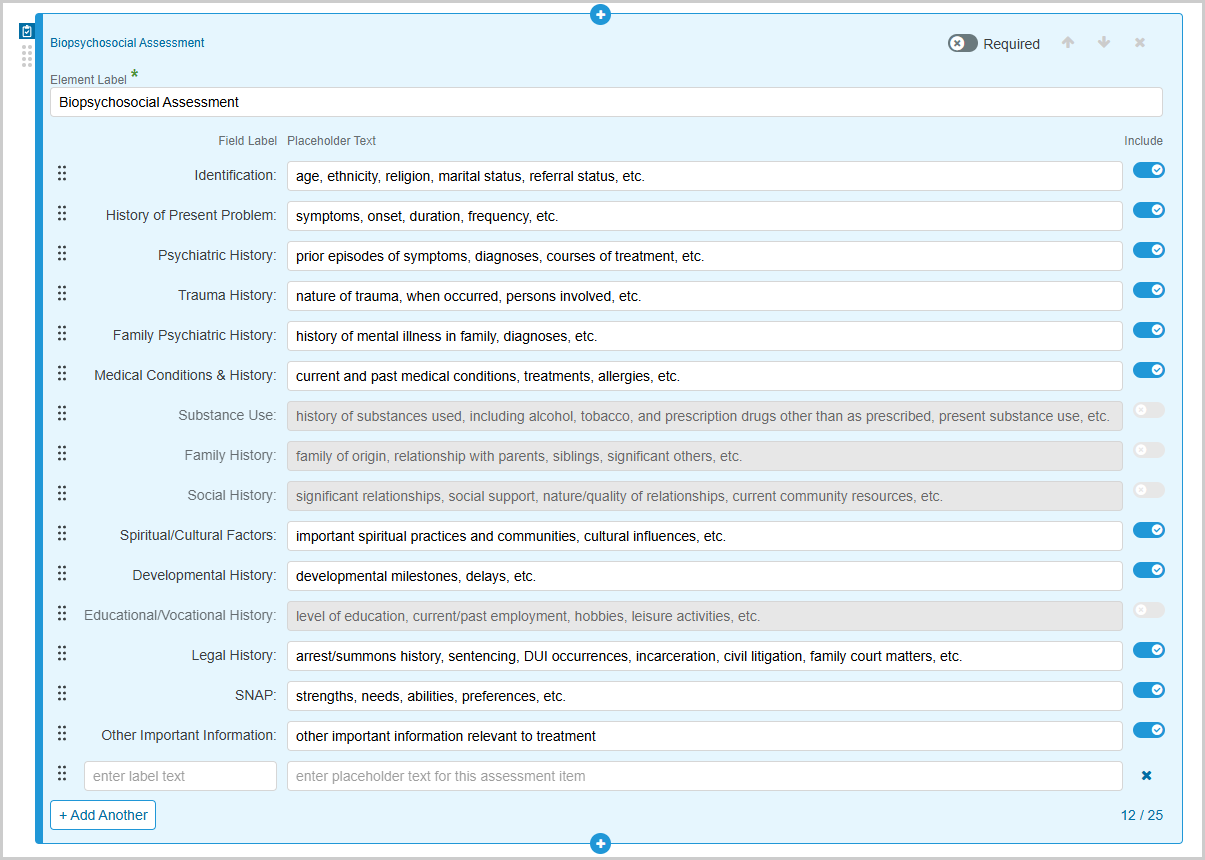
One of the biggest enhancements is the ability to customize the Biopsychosocial Assessment portion of the Intake Note while preserving the Client History Form prefill functionality available in TherapyNotes®' predefined fields. Administrators can rename assessment sections, reorganize existing fields, remove fields that aren't relevant to their workflow, and add custom assessment fields with organization-specific labels and prompts. This added flexibility allows practices to extend the assessment process and capture the information most important to their clinicians, service lines, and documentation requirements.
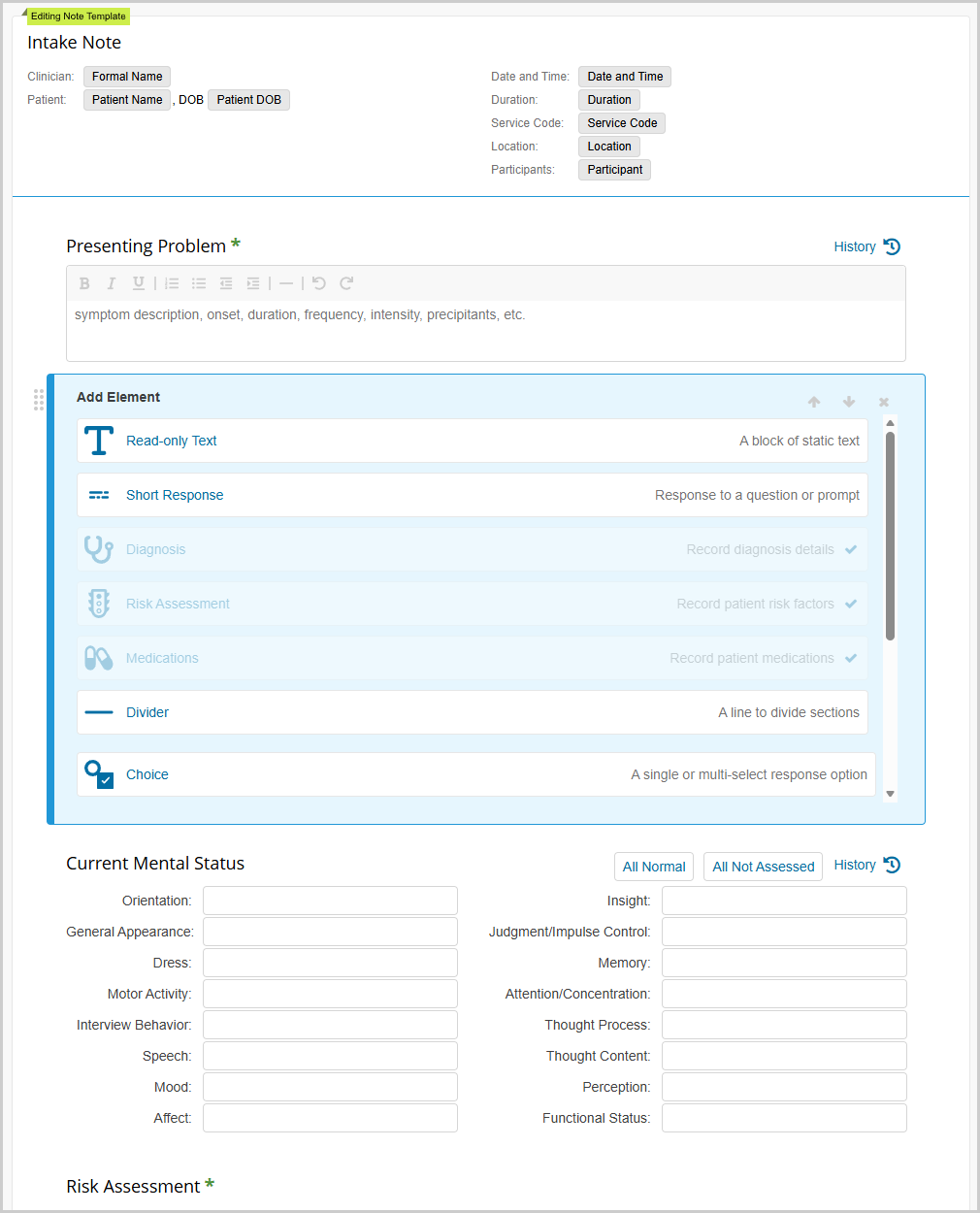
Beyond the Biopsychosocial Assessment, practices can further customize Intake Notes using the Note Builder. For example, you might add checkboxes to document policies and procedures reviewed during the initial session, create symptom checklists to support diagnostic assessments, or add fields to capture previous episodes of care, care team information, payer-specific requirements, referral sources, or other important information.
Practices can also create multiple Intake Note templates to support different populations or services. For example, separate templates can be created for children, adolescents, adults, couples, or families, allowing clinicians to select the template that best fits each appointment.
To get started, Practice Administrators and Clinical Administrators can create custom Intake Note templates from the base TherapyNotes® Intake Note template in the Note Templates tab of the Library. Using the same Note Builder experience available for Progress Notes and Consultation Notes, administrators can rearrange or remove sections, rename fields, and add additional elements to further customize documentation workflows.
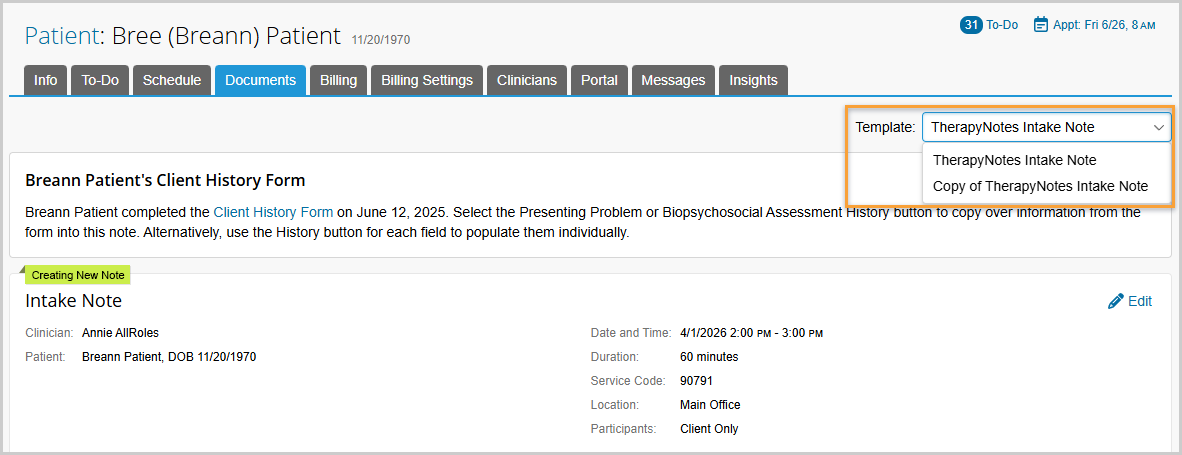
When multiple Intake Note templates are enabled, clinicians will see a Template selector at the top of the note and can choose the template that best fits the appointment. If only one template is enabled, the selector will not appear. TherapyNotes® will also remember the last template used for each patient and automatically select it the next time documentation is completed (such as annual re-assessments).
These enhancements give practices greater control over how intake information is collected and documented, making it easier to support different service lines, meet practice and payer requirements, and ensure clinicians capture the information needed to deliver high-quality care.
* The content of this post is intended to serve as general advice and information. It is not to be taken as legal advice and may not account for all rules and regulations in every jurisdiction. For legal advice, please contact an attorney.
Get more content like this, delivered right to your inbox. Subscribe to our newsletter.
More Content You'll Enjoy
What’s New: Secondary Billing Improvements & Enhanced Client Feedback Form

What’s New: TherapyFuel® ReFuel & ePrescribe Updates
